Dashboard
The Dashboard is the first thing you see when you log into your account – hello! It’s your hub for managing your digital signage network.
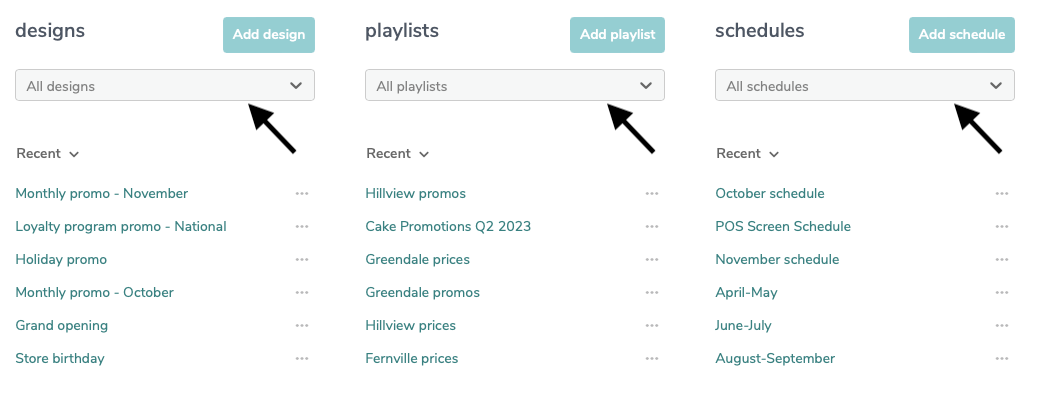
Find and Search Anything
Use the drop-down lists under designs, playlists, and schedules to quickly search and access all your existing content with ease.
Recent Items
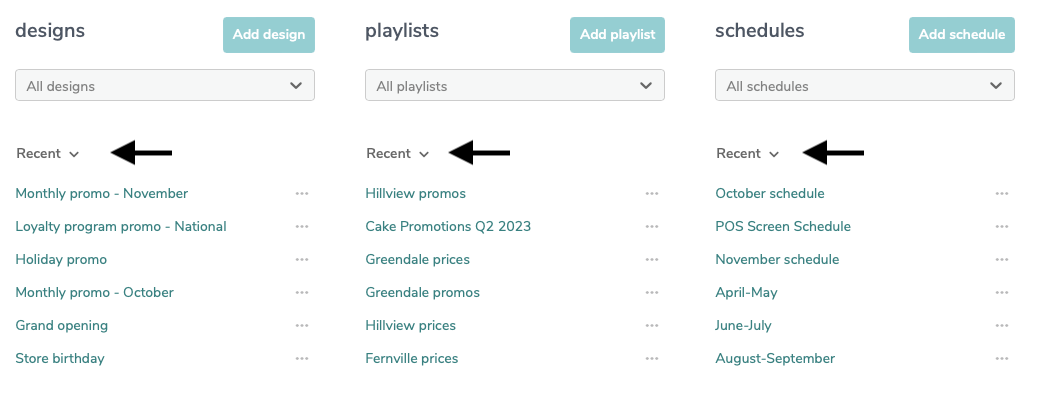
Just below the drop-down menus, you'll find an interactive button labeled ‘Recent’. This is where your recently edited items live.
Use the Recent button to filter your content:
Frequently accessed: Items you visit most often.
Highest usage: Content that’s currently playing on the most screens.
Quick Add Buttons
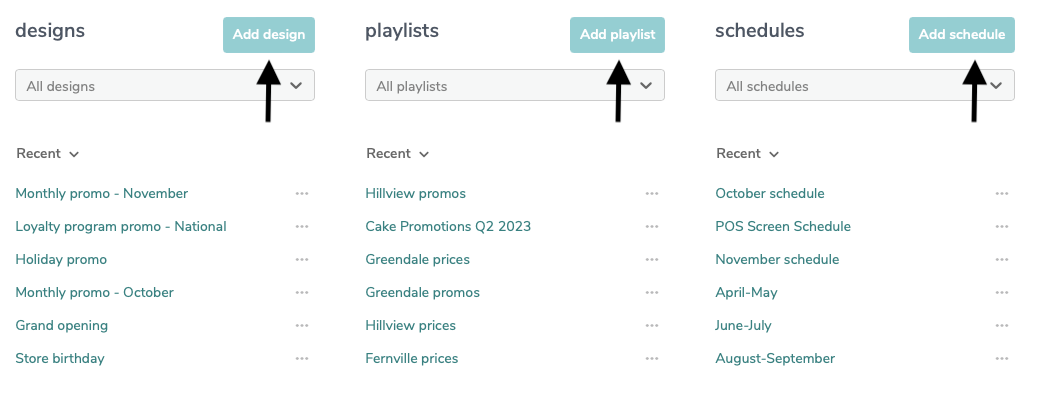
Easily create new content with the quick add buttons.
When you click ‘Add’ a pop-up appears, giving you easy access to create a design, playlist, or schedule in one easy step.
Account Storage and Status
Your account at a glance:
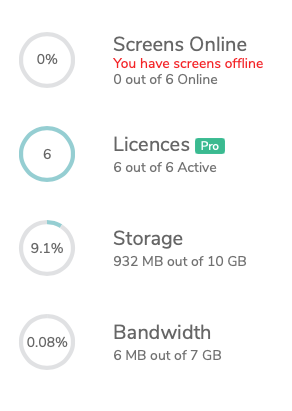
Screens online: How many devices are currently active – green = online, red = offline.
Licences: How many licences you have and their type.
Storage: How much of your allocated storage you’re using for uploaded media.
Bandwidth: Your monthly upload limit (resets every month).